
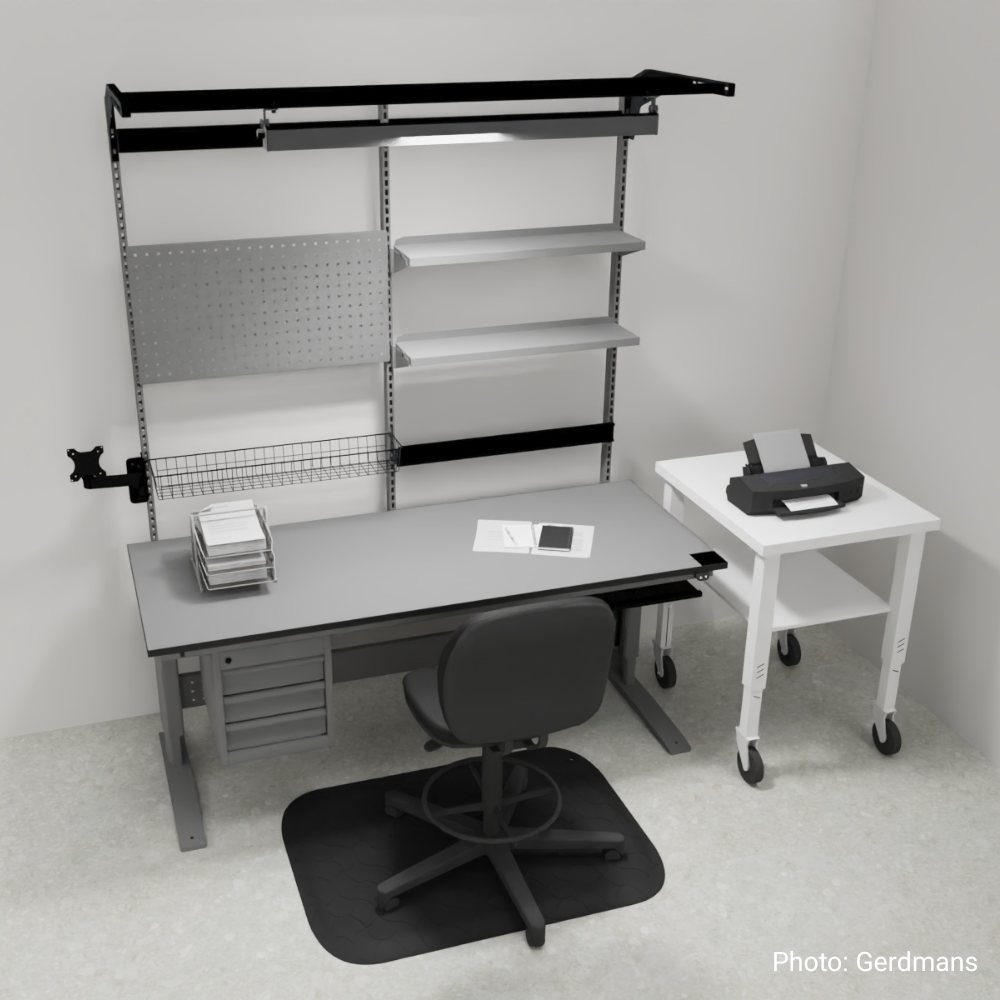
Visualize your project – straight from configurator to 3D setting
The ability to quickly visualize and communicate a solution is crucial in many customer projects. That’s why we have further developed The Yelper – our online configurator – with new features designed to make your project work even smoother.
Already deployed in live projects
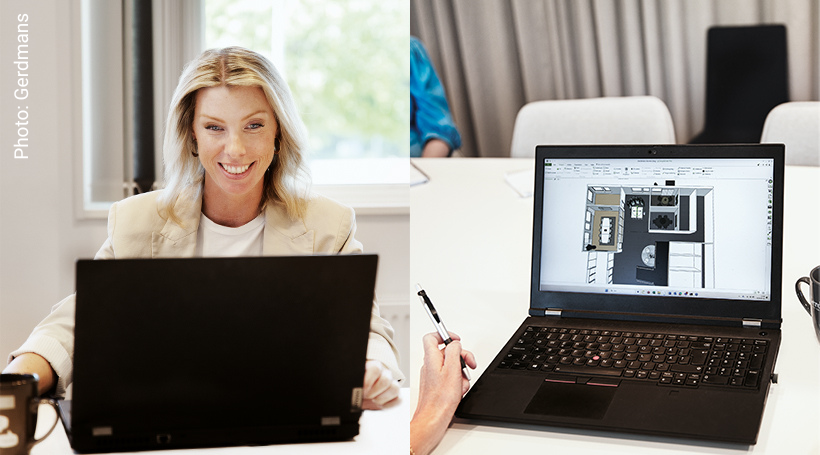
Our customer Gerdmans has already started using the new feature in their customer-specific projects.
"This significantly streamlines our work. We can now present each unique workbench configuration in its intended environment, providing the customer with a much clearer understanding of the final result."
– Alexandra Ekström, 3D Visualization/Project Administrator, Gerdmans.
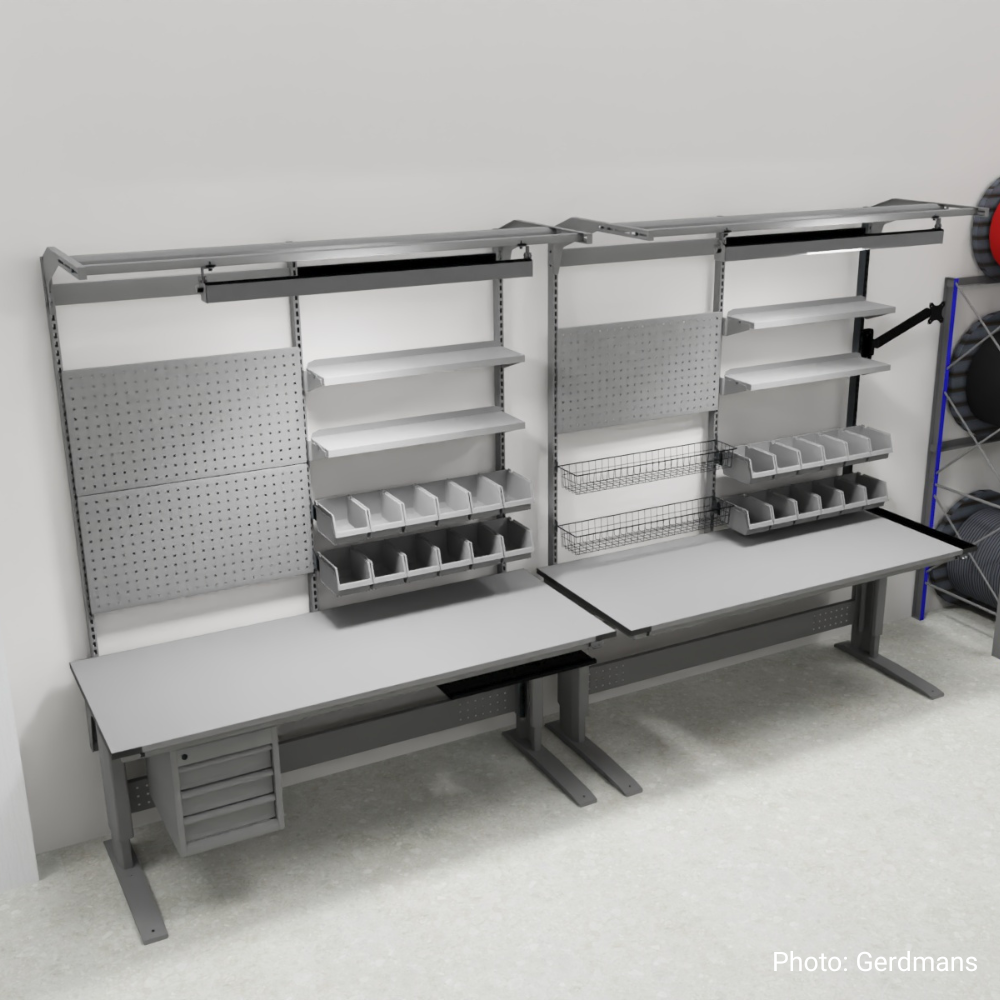
Easy to get started
1. Start The Yelper here or via wfi.se
2. Log in when prompted
3. Build your table in the configurator
4. Open the menu, select Export 3D model
5. Use the file directly in your design or modeling software, for example pCon.planner

More new features – download an image of your configuration
You can now download an image of your completed configuration, ideal for presentations, quotation materials, or internal project team communication.
”This is a feature requested by both our customers and sales team. Our goal with The Yelper is to make project management smarter and more efficient.”
– Anna Agerhall, Marketing Manager at WFI.